

API Start Node
The API Start Node is the entry point of every workflow in DotPortion. It defines how an external HTTP request triggers your workflow, similar to how routes work in traditional backend frameworks like Express, FastAPI, or Rails. Every workflow must start with exactly one API Start Node.What the API Start Node Does
The API Start Node is responsible for:- Defining the HTTP method your API accepts
- Defining the URL path for the endpoint
- Receiving incoming request data:
- Request body
- Query parameters
- Path parameters
- Headers
- Triggering workflow execution
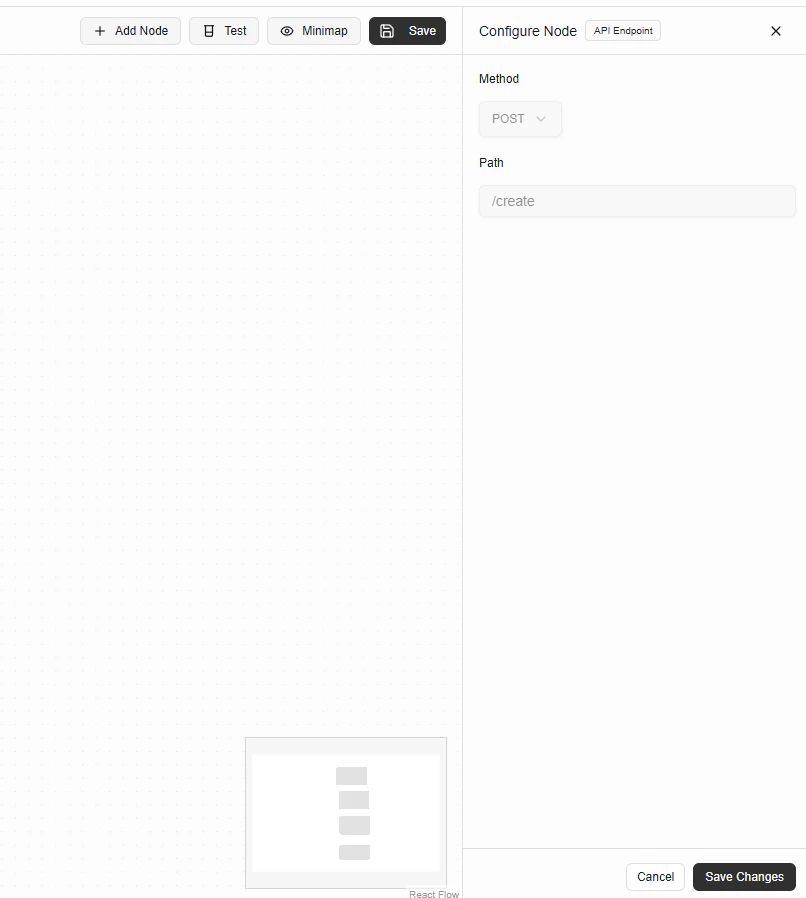
Configuration Fields
Method
The HTTP method defines how clients interact with your API. Supported methods:GETPOSTPUTPATCHDELETE